READING & WRITING:
While motion graphics are associated with graphic design and animation is associated with filmmaking, both disciplines require skills that will help the other. The culture behind motion graphics encourages deadlines and productivity, while culture behind animation promotes experimentation with techniques and creativity.
Whether or not you are working on an animation or motion graphics, developing a concept remains the same as well. Preproduction can be broken down into these basic steps:
- Create a document that explains the objective of the project, this is called a creative brief. This will help you keep it in mind as you write the rest of your project.
- Produce the big idea of your project and write the storyline (much easier said than done, I know).
- Write an elevator pitch or tagline, this will act as a guide as you continue to write.
- Decide how you want your project to look and feel. This can be done by experimenting with different design directions you think may work.
- Make any changes to the story influenced by design decisions. For example, Clifford the Big Red Dog would not make sense if Clifford himself was not big and red. His stories wouldn’t make sense if he did not match his description.
- Last, but not least, to just start creating and organizing the different pieces of your project.
Blazer, L. (2016). Introduction. In Animated Storytelling: Simple Steps for Creating Animation and Motion Graphics (pp. vi–vii). essay, Peachpit Press.
Blazer, L. (2016). Chapter 1: Preproduction. In Animated Storytelling: Simple Steps for Creating Animation and Motion Graphics (pp. vi–vii). essay, Peachpit Press.
RESEARCH TO INFORM:
In preparation for the creation of GIFs, I did research other GIFs and found examples of GIFs that I found successful.
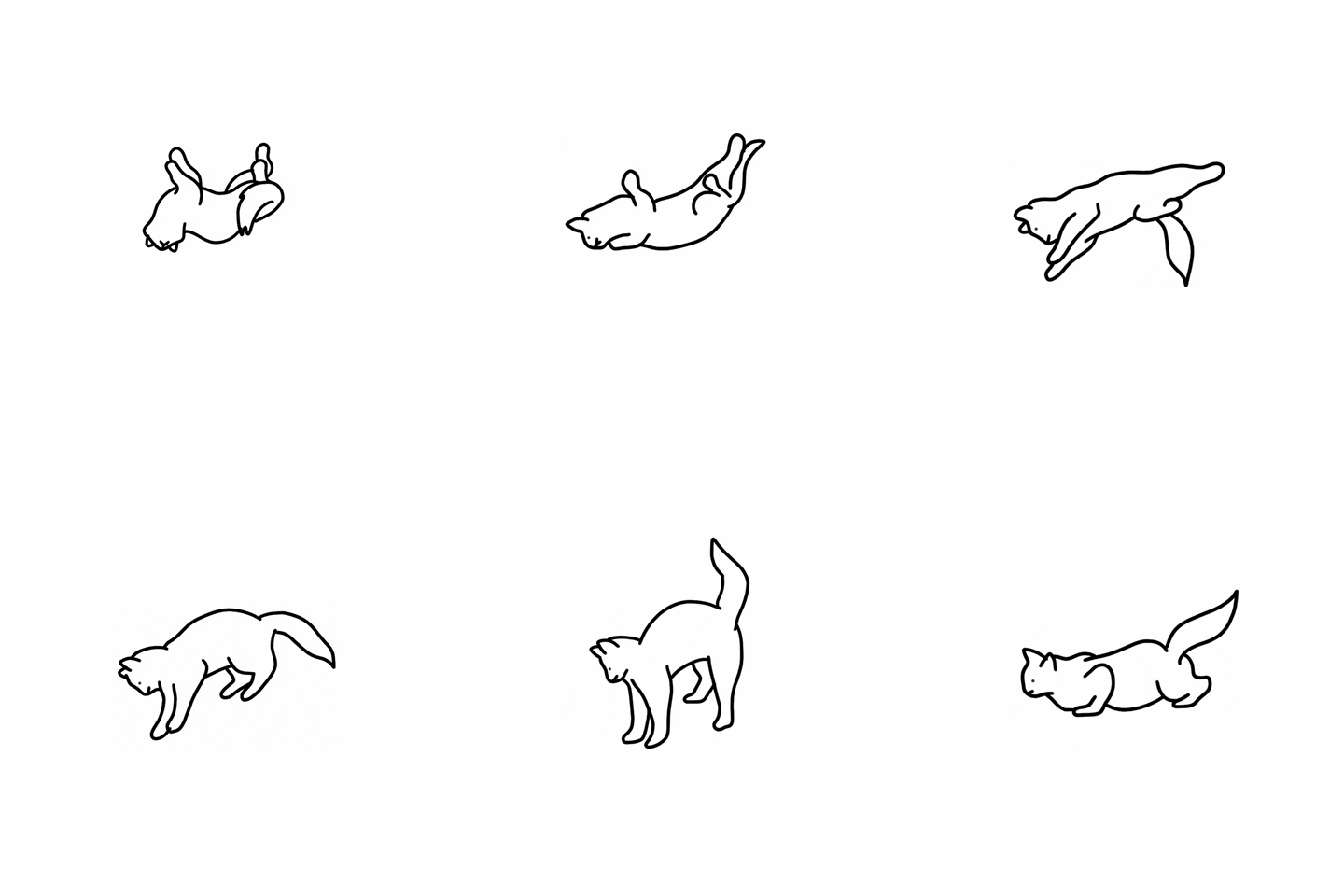
I chose this cat GIF because it is not only adorable, but a very successful GIF. It is a minimalist art style, yet it is very clearly a cat doing her wiggles, which is very important business.
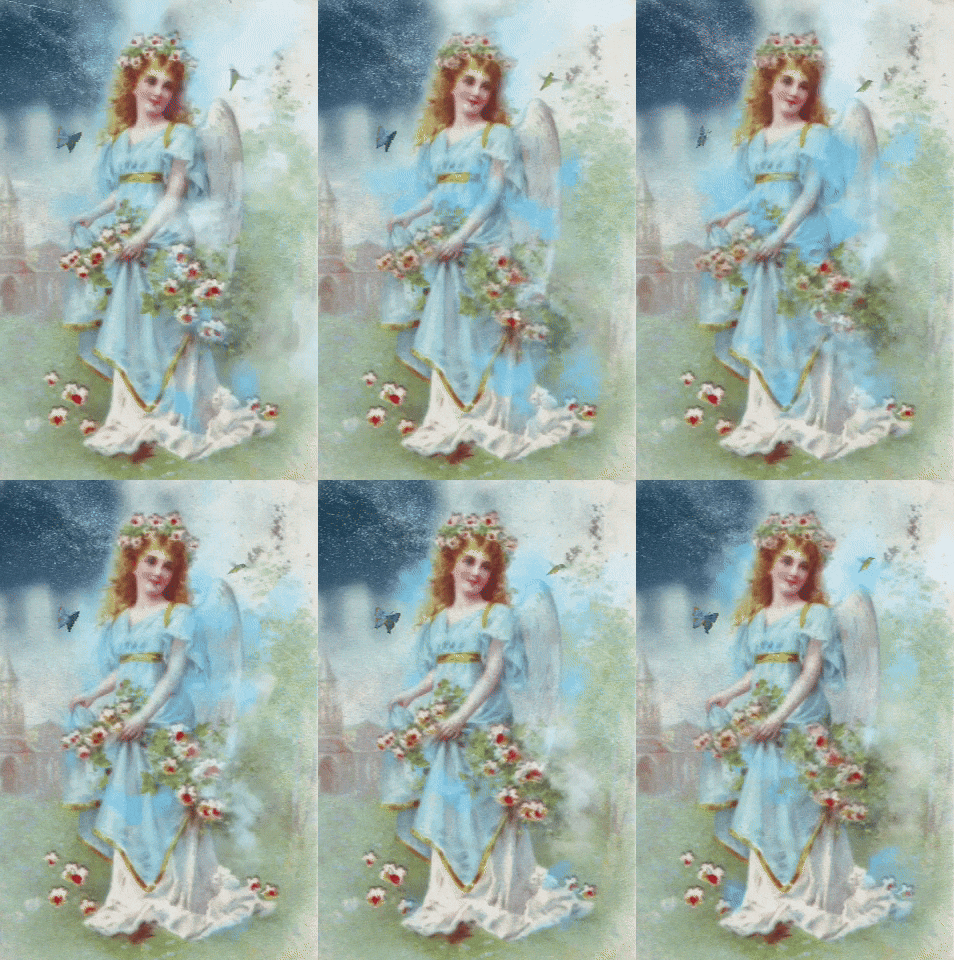
I chose this vintage angel GIF because I love the art style. I appreciate that the animation is being used to make the piece more engaging as well.
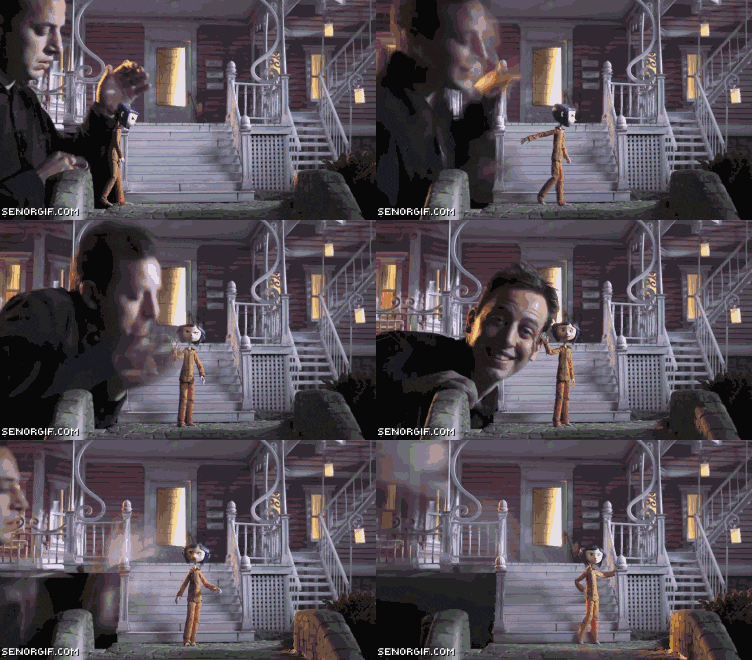
I chose this Coraline GIF because not only is Coraline one of my favorite movies, but I appreciate the smoothness of the GIF and the fact that it shows the process of stop motion alongside having the puppet interact with the puppeteer.
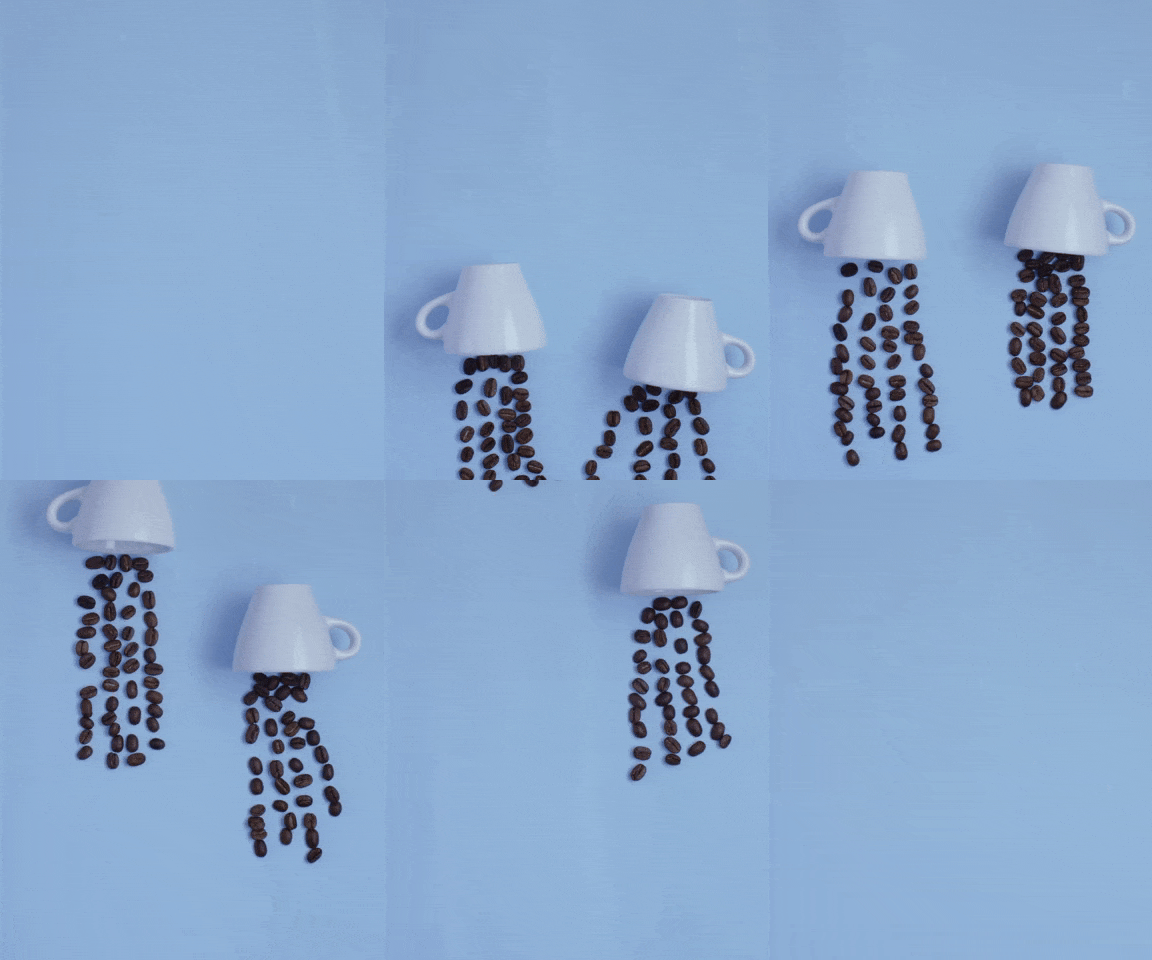
I chose this coffee animation because I found it very charming and successful. I appreciate that it uses common items such as coffee cups and coffee beans, but it is animated in a way that communicates jellyfish from the movement of the cups and beans in the GIF.
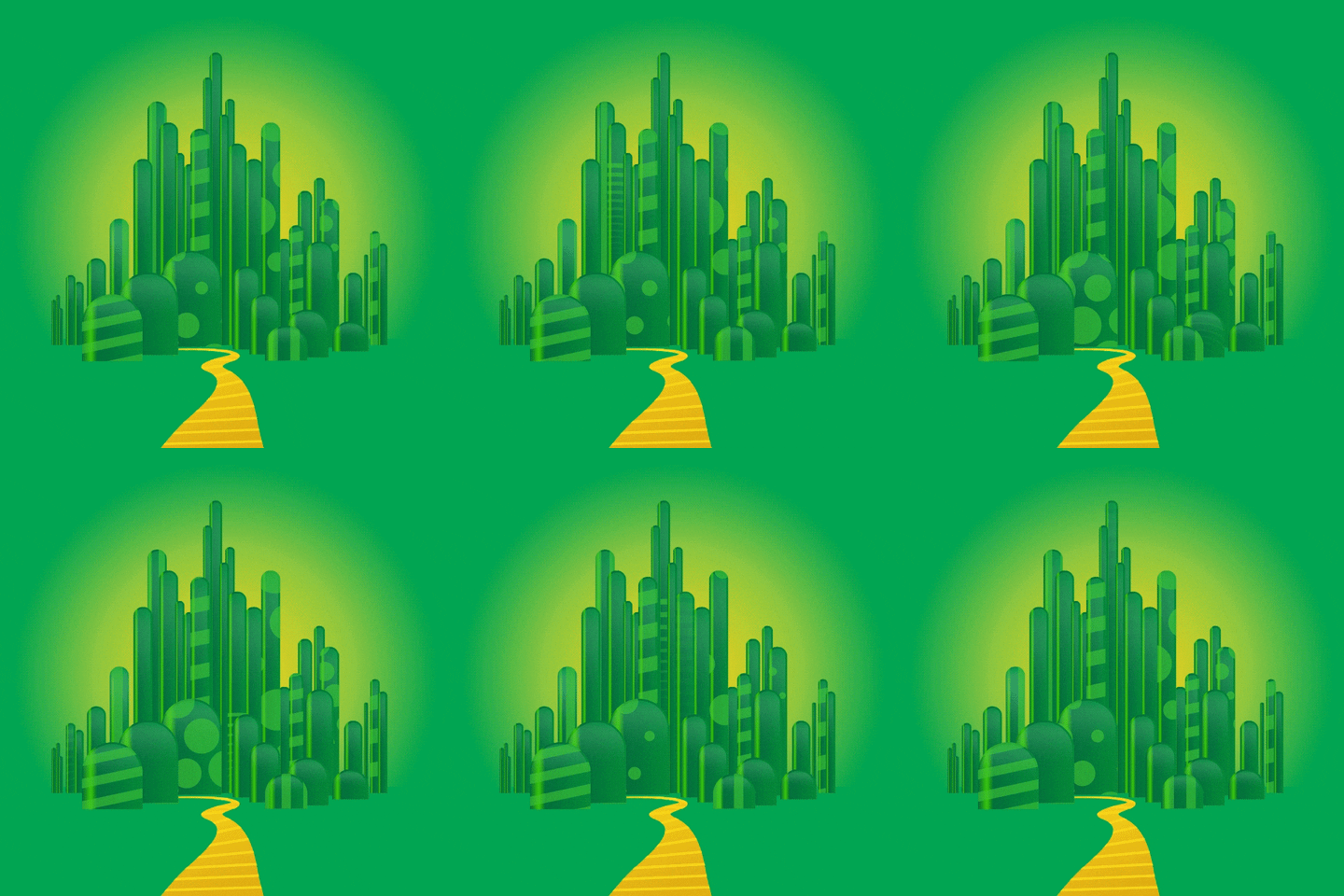
I chose this GIF because it successfully says the City of Oz, despite the simple shapes and patterns. The shapes are clustered in a way that mimics a city, and the colors undoubtedly say Oz with the greens and yellow road. I also like the movement of the patterns in the animation.
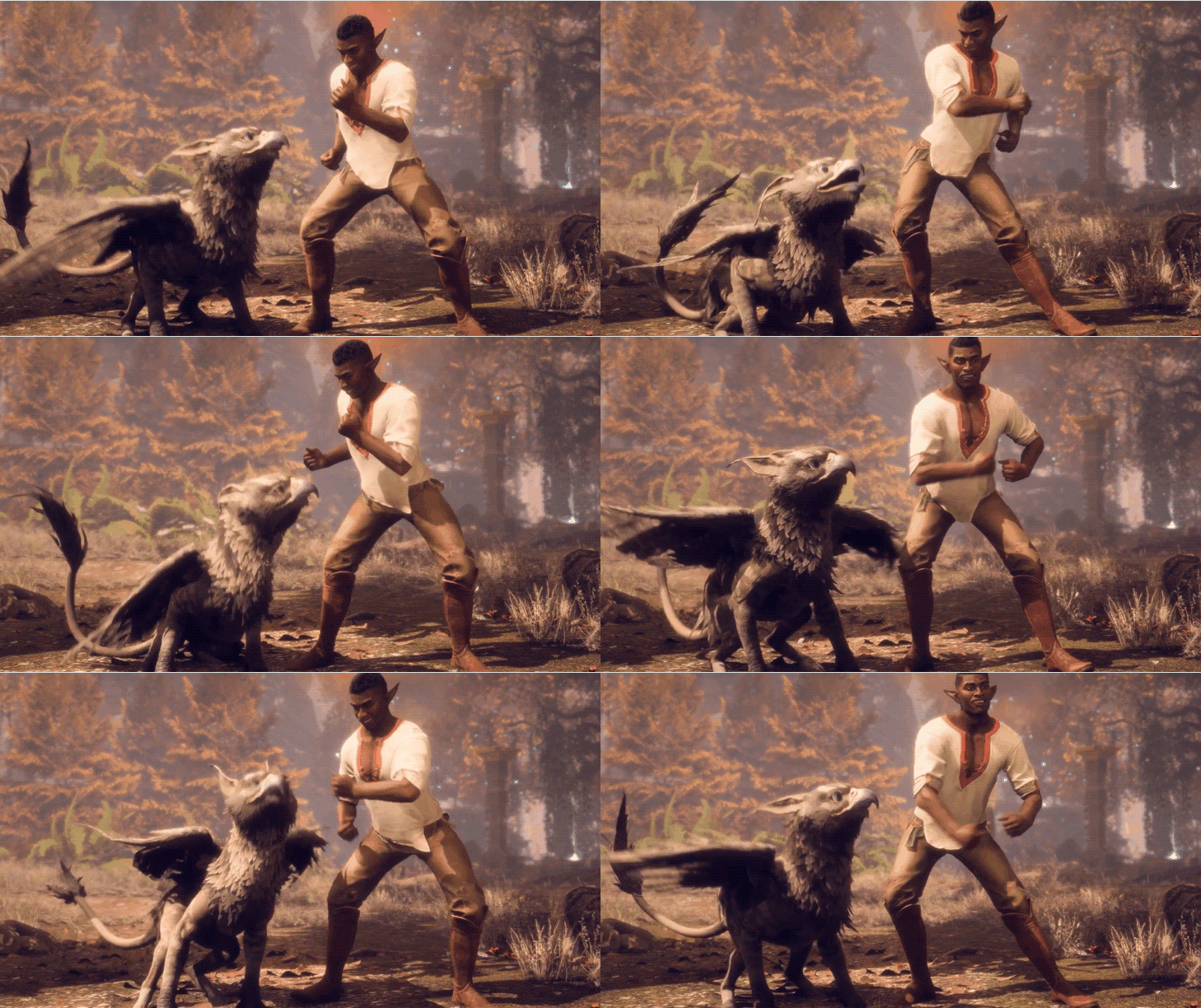
I chose this GIF because it makes me happy and reminds me of Pixar Bloopers. It shows fluid movement, and a number of different stories can be told with it. Maybe it’s a celebration, maybe it’s just a random dance party. Also, how can you go wrong with a baby griffon?
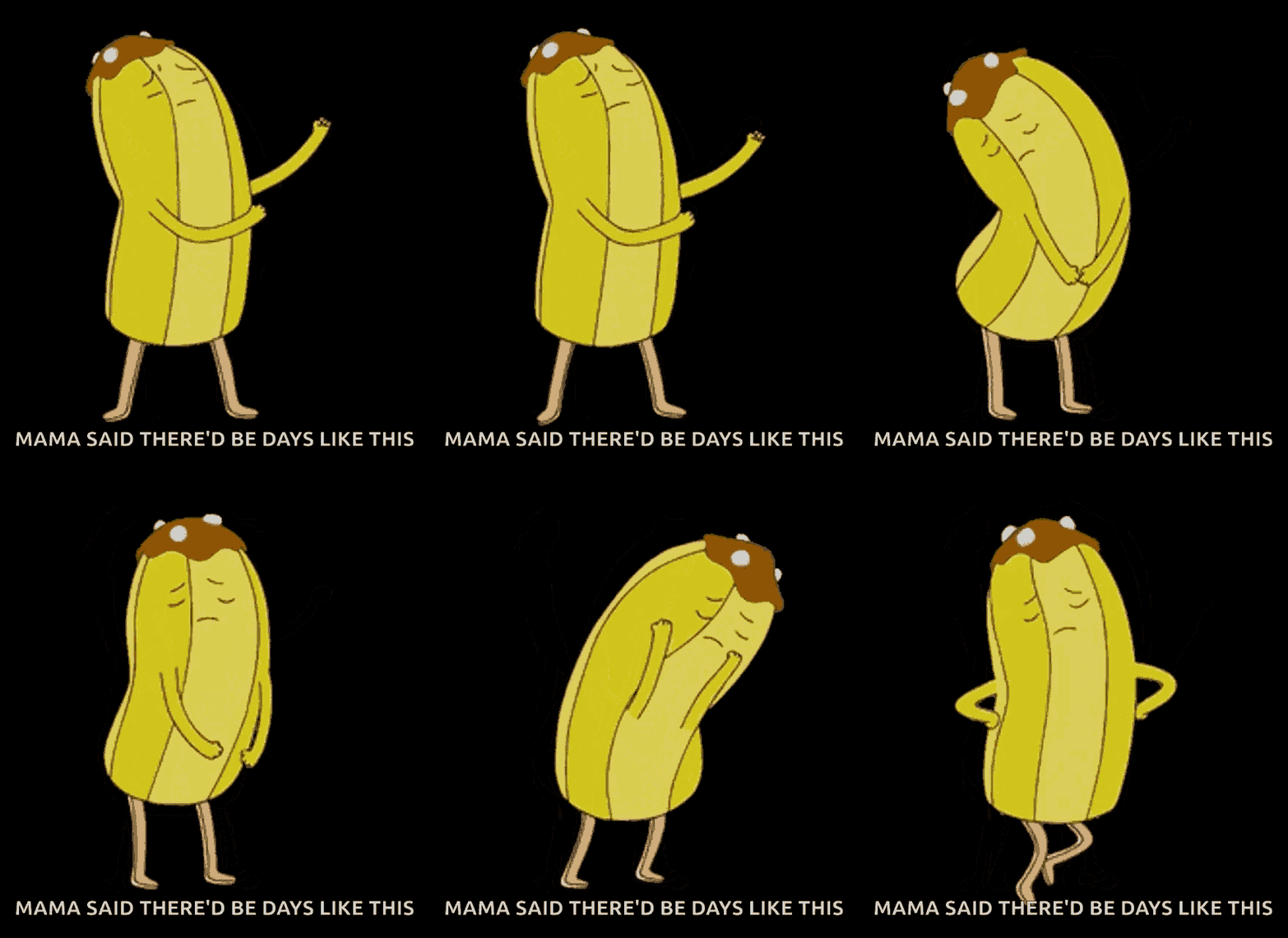
I chose this GIF because it honestly lives rent free in my head. Anytime I am inconvenienced this scene comes to mind. I feel as though the mood of being sad but trying to also be okay is successfully portrayed. Just dance your feelings away Banana Guard.
CREATE:
Mainly using the application Adobe Animate, I was able to create some GIFs of my own.

The first GIF I created is a Walrus that I drew in Photoshop, and then imported into Adobe Animate. I turned the walrus into a symbol and then applied a classic tween to it to make it move from side to side. For the text “Walrus Time”, I applied an Alpha color effect and then applied a motion tween, so the text fades in and out.
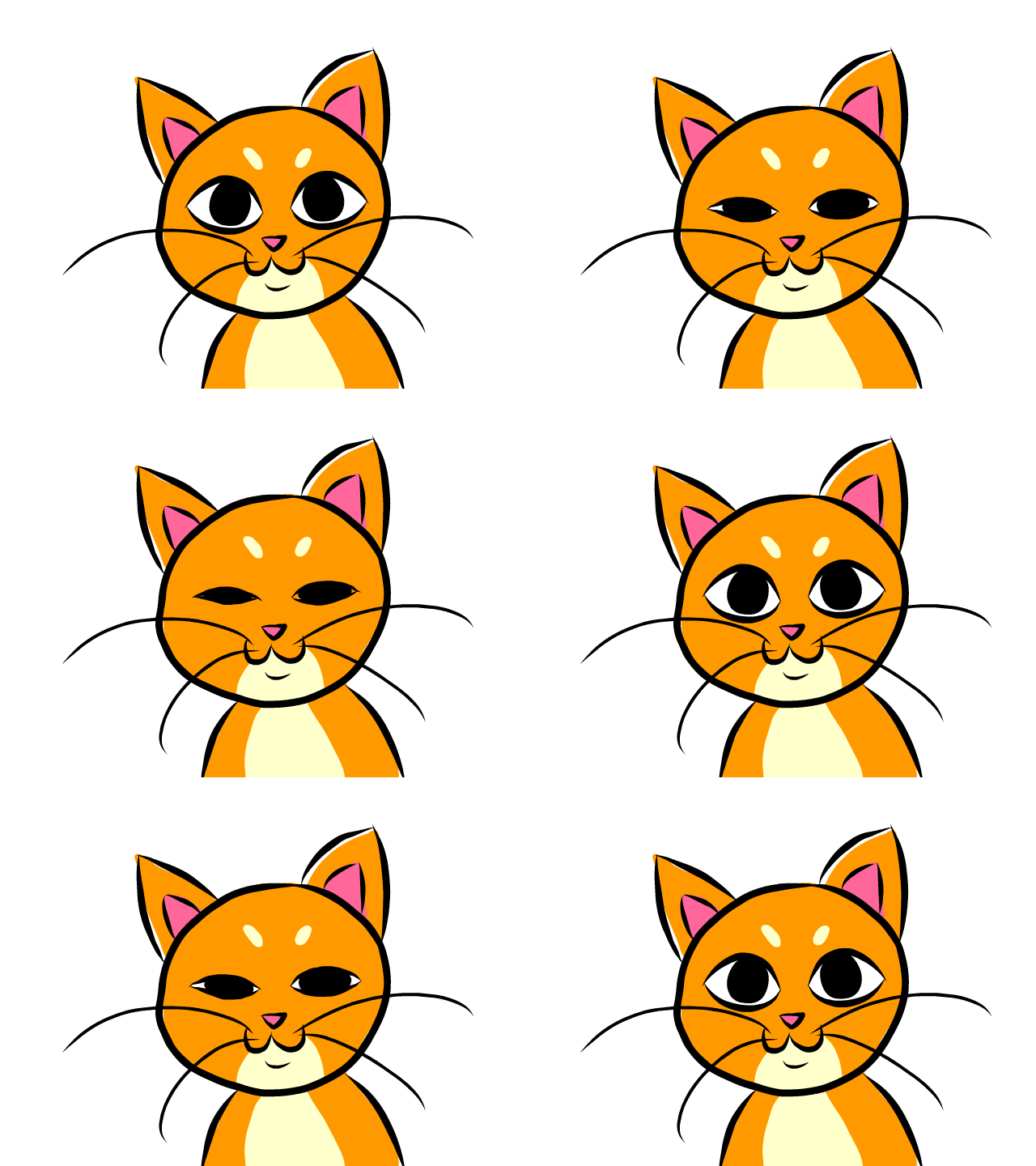
The second GIF I created is a cat blinking. I draw the cat in a base layer in Animate, then animated the blinking eyes on a different layer frame by frame. I used the onion-skinning mode to help see the previous frames as I drew the eyes. She is also an orange kitty, as orange kitties are objectively the best kitties.
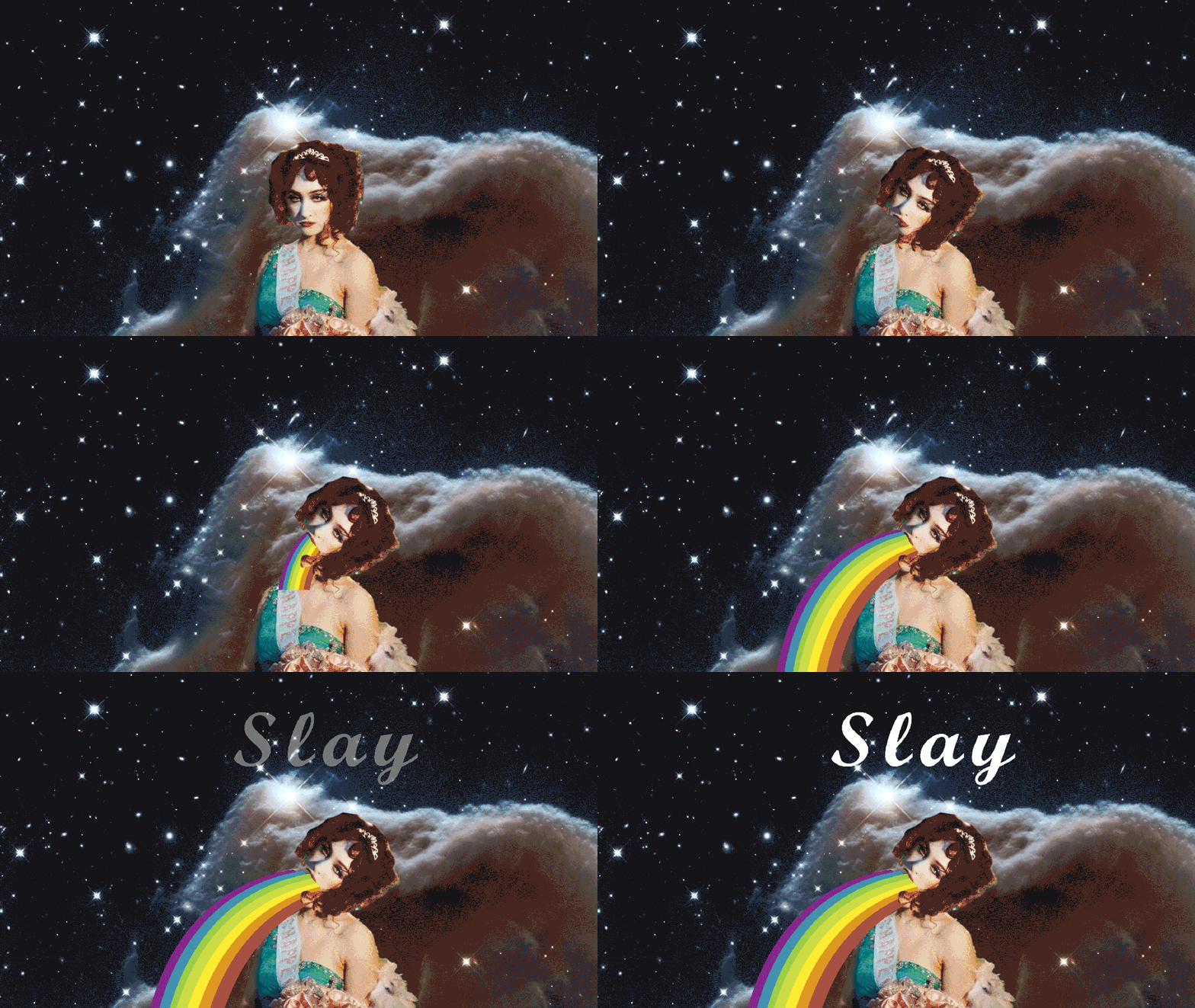
My third GIF I created using found images from the web. The background and rainbow are free use images, while Chappel Roan was taken right from one of her albums covers. I cut out Chappel Roan cut the bottom part of her mouth off to create a puppet of her in Photoshop. I then imported her into Adobe Animate and applied a classic tween to open her mouth. I used a motion tween to make the rainbow grow bigger to make it seem like it was coming out of her mouth. I also used a motion tween to make the words “slay” appear.
Despite frustrations with trying to figure out how to use Animate again, I did have fun creating these GIFS. I do think I need to practice frame-by-frame animation more.
 Home
Home 